Chapter 4 - Terraform Command Basics
Learn init, validate, plan, apply, destrouy
Workflow
- init
- validate
- plan
- apply
- destroy
Run terraform init, terraform plan, etc.
Review the Terraform Manifest
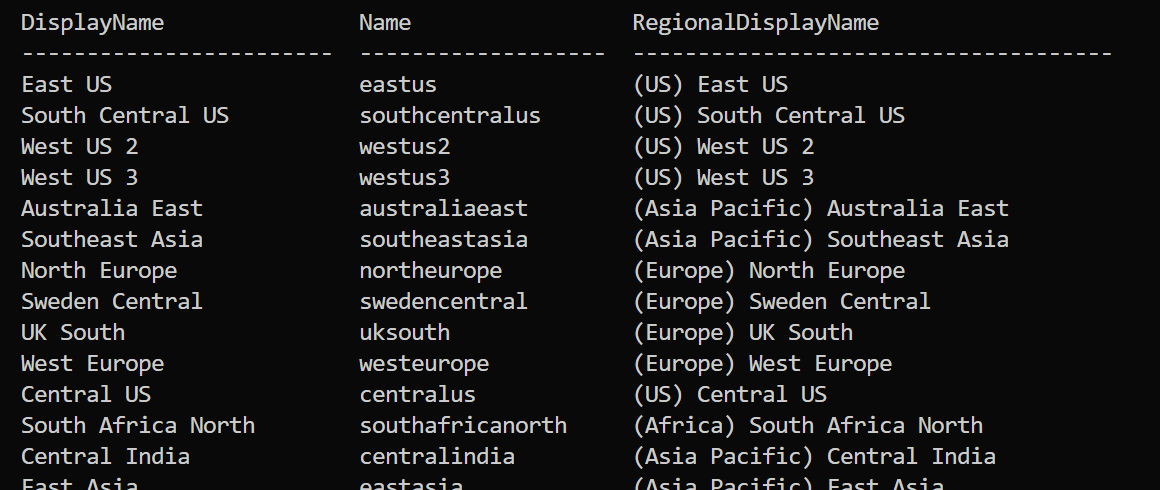
Get Azure regions
az account list-locations -o table
az login
az account set --subscription="Subscript ID"
Terraform.io
Providers:
- Azure
- AWS
- GCP
- Kubernetes
Add provider to .tf
Copy the block from the provider's page on terraform.io.
terraform {
  required_version = ">= 1.0.0"
  required_providers {
    azurerm = {
      source = "hashicorp/azurerm"
      version = ">= 2.0"
    }
  }
}

provider "azurerm" {
  features {}
}
Execute Terraform Core commands
- Save this as a .tf file:
# Terraform Settings Block
terraform {
  required_version = ">= 1.0.0"
  required_providers {
    azurerm = {
      source = "hashicorp/azurerm"
      version = ">= 2.0"
    }
  }
}

# Configure the Microsoft Azure Provider
provider "azurerm" {
  features {}
}

# Create Resource Group
resource "azurerm_resource_group" "my_demo_rg1" {
  location = "eastus"
  name = "my-demo-rg1"
}
- cd into that directory
- run
terraform init - run
terraform validate - run
terraform plan - run
terraform apply - run
terraform destroy
This is the basic terraform workflow.
What it created
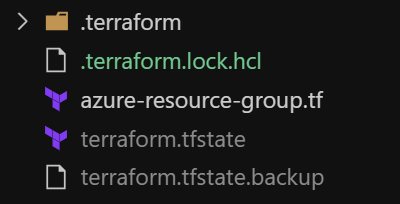
terraform folder
providers folder, the provider in an exe format.

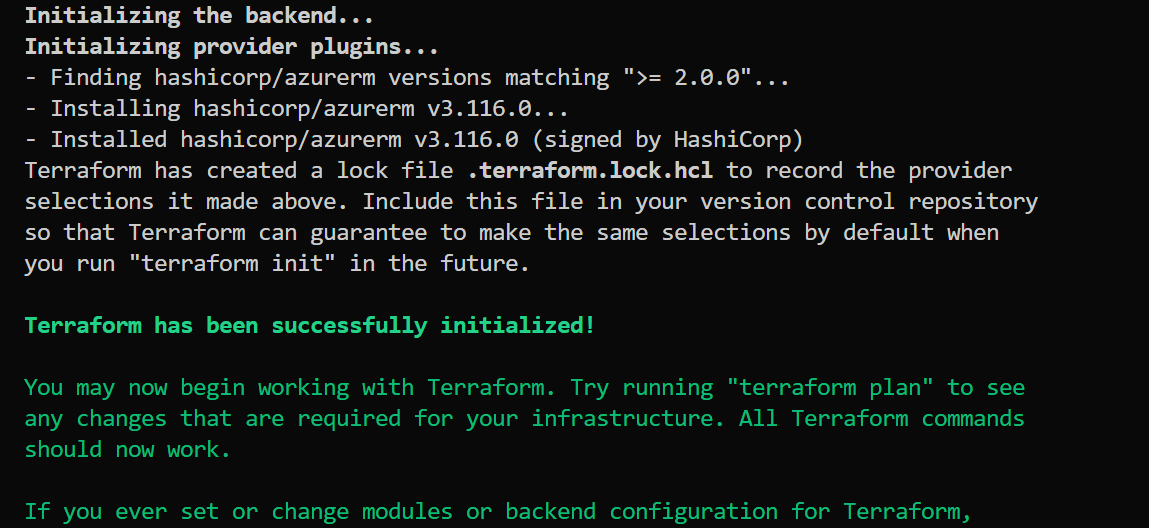
Terraform Validate
Validates the syntax of the entire terraform.tf structure
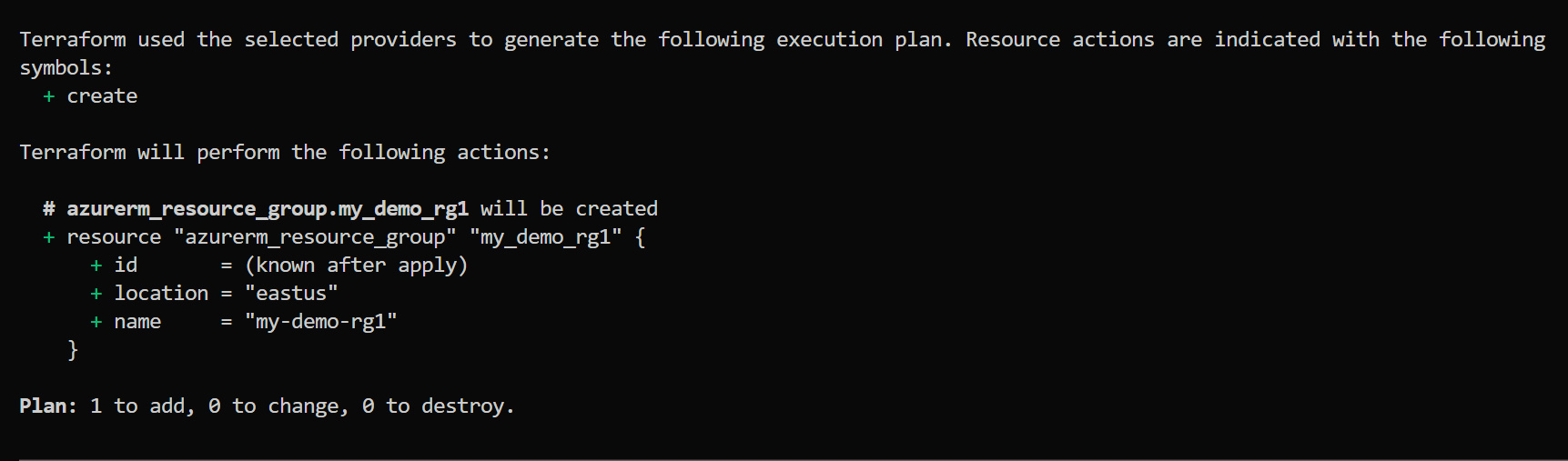
Terraform plan
compares the existing to what the .tf file contains and shows the difference +/-/= that comparison.
terraform apply
Confirms the changes needed and applies those changes.
Also creates the terraform state file listed above.
You can view the .state file, but never make changes to it.

Terraform destroy
Removes ALL of the infrastructure.
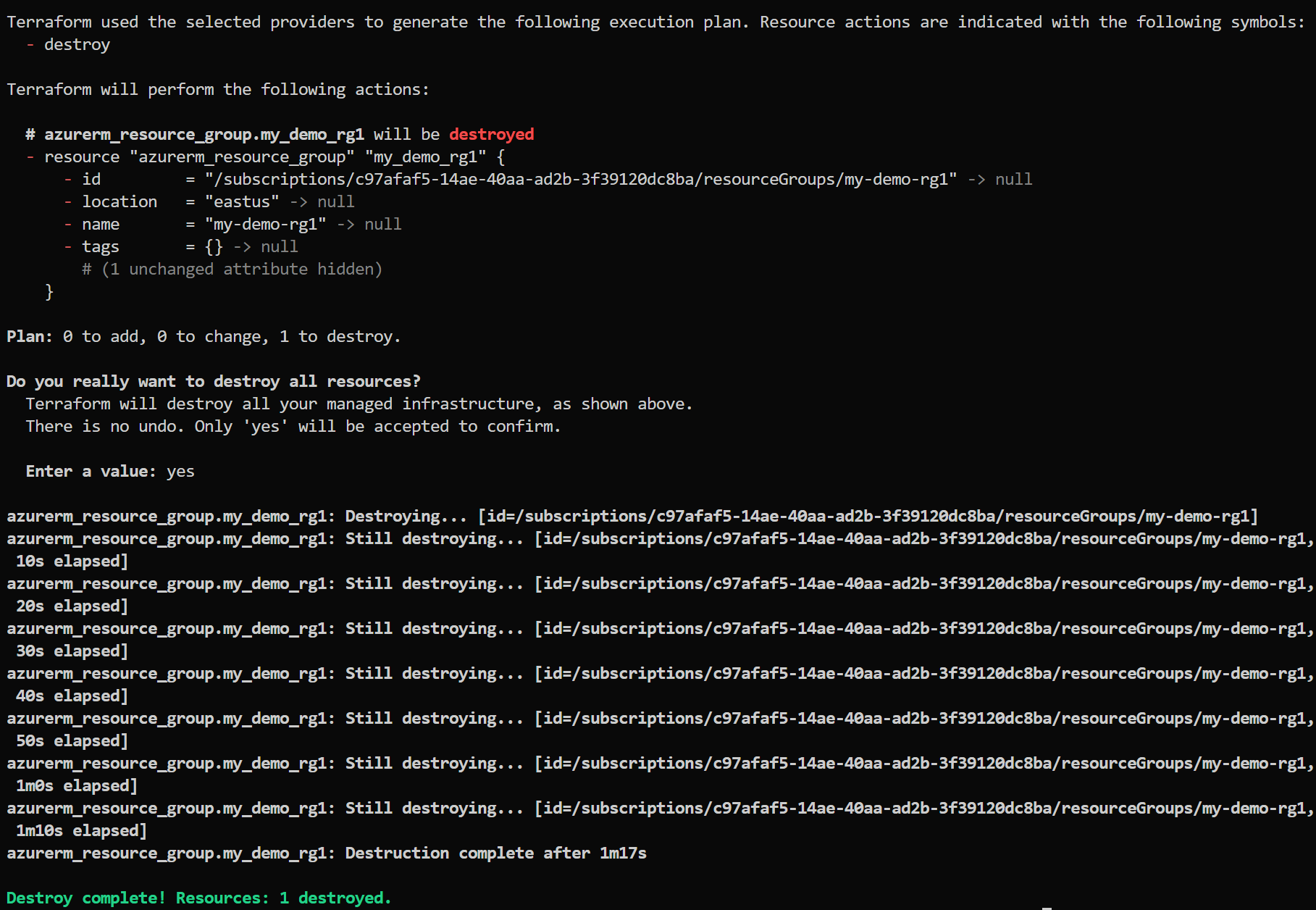
Clean up the files in the directory once these have been destroyed if you are not going to rebuild this infrastructure in the future.
rm -rf terraform.tfstate < state file
rm -rf terraform.tfstate.backup < backup state file
rm -rf *.terraform < folder
Summary
- init
- validate
- plan
- apply
- destroy